
Zone Trade Indicator MT5: A Comprehensive Guide to Advanced Trading Zones
In the dynamic world of forex and financial markets, having the right tools can make the difference between profitable trading and consistent losses. Among the myriad of technical indicators available to traders, the Zone Trade Indicator MT5 stands out as a powerful solution for identifying high-probability trading zones. This comprehensive guide will explore everything you need to know about this advanced tool, from its fundamental principles to practical implementation strategies.
What is the Zone Trade Indicator MT5?
- The Zone Trade Indicator MT5 is a sophisticated technical analysis tool designed for the MetaTrader 5 platform that helps traders identify key price zones where the market is likely to react. Unlike standard indicators that focus solely on price direction, this tool emphasizes the importance of price levels and zones where institutional traders and market makers are likely to place orders.
- Developed with the understanding that markets move in waves and tend to respect certain price levels, the Zone Trade Indicator MT5 draws horizontal lines at critical price points. These zones represent areas of potential support and resistance, breakout points, and reversal areas that have shown significance based on market structure and price action.
- The indicator's strength lies in its ability to dynamically adjust these zones as price action unfolds, providing traders with real-time insights into where the market is likely to find equilibrium or experience significant movements.
How the Zone Trade Indicator Works
At its core, the Zone Trade Indicator MT5 employs a combination of price action analysis, market structure recognition, and historical price data to identify significant trading zones. The algorithm analyzes multiple timeframes simultaneously to determine zones with the highest probability of influencing price movement.
The indicator identifies zones based on several factors:
- Previous Swings and Higher Highs/Lower Lows: These represent areas where price has previously reversed, indicating potential future support or resistance.
- Fibonacci Levels: The indicator incorporates Fibonacci retracement and extension levels to identify zones where price may find support or resistance based on mathematical relationships.
- Volume Profile: By analyzing trading volume at different price levels, the indicator identifies zones where significant buying or selling activity has occurred.
- Market Structure: The indicator recognizes higher highs and higher lows in uptrends, and lower highs and lower lows in downtrends, helping to identify the overall market direction.
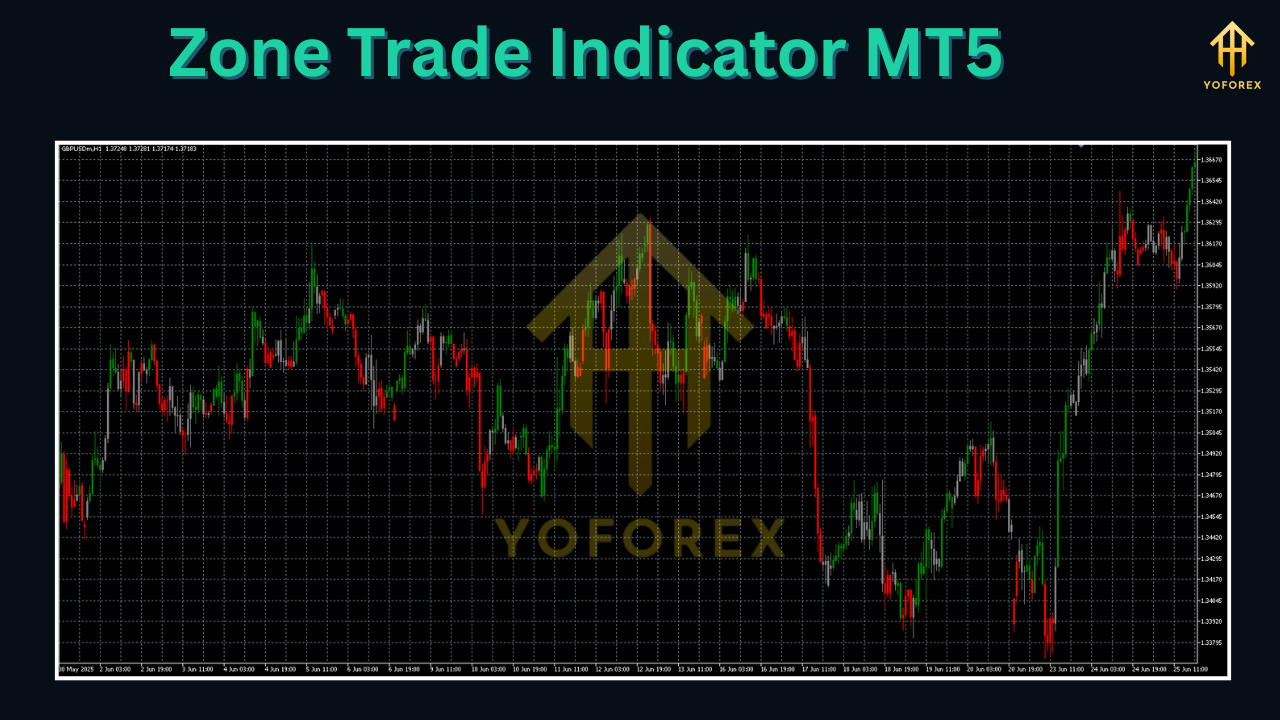
Once these zones are identified, the indicator plots them on the chart with visual clarity, allowing traders to easily spot potential trading opportunities.
Key Features
The Zone Trade Indicator MT5 comes equipped with a robust set of features designed to enhance trading decision-making:
- Dynamic Zone Detection: The indicator automatically identifies and updates trading zones in real-time as market conditions change.
- Multi-Timeframe Analysis: Traders can view zones from different timeframes simultaneously, providing a comprehensive market perspective.
- Customizable Visual Settings: Users can adjust the colors, line styles, and alert settings to suit their preferences and trading style.
- Zone Strength Indicator: The visually distinguishes between strong and weak zones, helping traders prioritize which areas to focus on.
- Alert System: The indicator can send notifications when price approaches or breaks through identified zones, ensuring traders never miss potential opportunities.
- Historical Zone Display: Option to show historical zones, allowing traders to analyze how price has reacted to these levels in the past.
Installation and Setup
Installing the Zone Trade Indicator MT5 is a straightforward process:
- Download the indicator file (typically with a .ex5 extension)
- Open your MetaTrader 5 platform
- Navigate to "File" > "Open Data Folder"
- Go to the "MQL5" > "Indicators" folder
- Copy the downloaded file into this folder
- Restart MetaTrader 5 or refresh the indicators list (Ctrl+R)
- Drag and drop the indicator onto your chart or access it through the "Navigator" window
Once installed, you can customize the indicator's settings by right-clicking on the chart, selecting "Indicators list," choosing the Zone Trade Indicator, and clicking "Edit." Here you can adjust parameters such as zone detection sensitivity, timeframe settings, visual preferences, and alert configurations.
Understanding the Trading Zones
The Zone Trade Indicator MT5 identifies several types of trading zones, each with its own significance:
- Support Zones: Areas where buying interest has historically emerged, potentially halting downward price movements.
- Resistance Zones: Levels where selling pressure has typically increased, potentially capping upward price movements.
- Breakout Zones: Critical levels where price may accelerate if broken, often accompanied by increased volume.
- Reversal Zones: Areas where price may change direction, particularly when combined with other technical signals.
- Consolidation Zones: Ranges where price has traded for extended periods, often preceding significant breakouts.
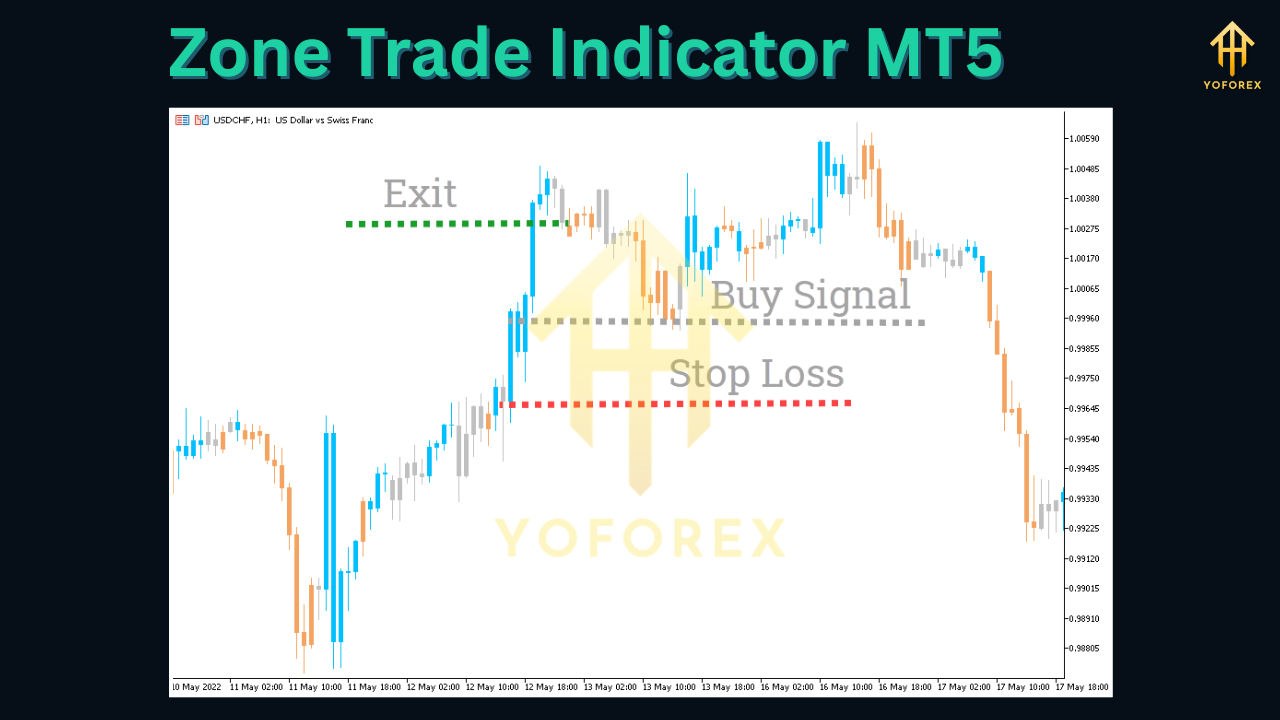
The indicator typically displays these zones with different colors or line styles to distinguish between their types and significance. Stronger zones, based on historical price action and market structure, are usually displayed more prominently.
Trading Strategies
Several effective trading strategies can be employed using the Zone Trade Indicator MT5:
1. Zone Reversal Strategy
This strategy involves trading reversals at identified support and resistance zones:
- Wait for price to approach a significant zone
- Look for additional confirmation signals such as candlestick patterns or momentum oscillators
- Enter trades when price shows signs of reversal at the zone
- Place stop losses beyond the zone to manage risk
- Take profits at the opposite zone or use a risk-reward ratio
2. Breakout Strategy
This strategy focuses on trading breakouts of key zones:
- Identify zones that price has been respecting for some time
- Wait for a clear breakout with increased volume
- Enter trades in the direction of the breakout
- Place stop losses below (for long trades) or above (for short trades) the broken zone
- Take profits at subsequent zones or use trailing stops
3. Zone Bounce Strategy
This strategy involves trading bounces between zones:
- Identify two or more zones creating a range
- Wait for price to approach one zone while showing signs of reversal
- Enter trades expecting price to move toward the opposite zone
- Adjust stop losses as price moves in your favor
- Take profits at the opposite zone
4. Multi-Timeframe Zone Confluence Strategy
This strategy uses zones from multiple timeframes for higher-probability trades:
- Identify zones on the higher timeframe (e.g., daily or weekly)
- Look for alignment with zones on the lower timeframe (e.g., 4-hour or 1-hour)
- Enter trades when both timeframes show confluence at a zone
- Use tighter stop losses due to the higher probability setup
- Take profits at the next significant zone
Pros and Cons
Advantages
- Clear Visual Representation: The indicator provides a clear visual representation of key price levels, making it easier to identify potential trading opportunities.
- Objective Zone Identification: Removes subjectivity in identifying support and resistance levels, providing consistent analysis.
- Multi-Timeframe Analysis: Offers insights from multiple timeframes, helping traders align their short-term trades with the bigger picture.
- Customizable: Can be tailored to different trading styles and preferences.
- Alert System: Ensures traders don't miss important price action at key zones.
Limitations
- Not Standalone: Should be used in conjunction with other analysis methods and risk management techniques.
- False Signals: Like all indicators, it can produce false signals, especially in choppy markets.
- Requires Experience: New traders may need time to learn how to interpret the zones correctly.
- Market Dependence: Effectiveness may vary in different market conditions and instruments.
Advanced Tips and Techniques
- Combine with Price Action: Use candlestick patterns and price action signals at zones for higher-probability trades.
- Volume Confirmation: Add volume indicators to confirm strength of reactions at zones.
- Dynamic Stop Losses: Adjust stop losses as price moves in your favor to protect profits.
- Multiple Timeframe Analysis: Use zones from higher timeframes as strategic targets and zones from lower timeframes for entries.
- Market Structure Integration: Combine with market structure analysis for better context.
- Backtesting: Regularly backtest the indicator's performance on different assets and timeframes to optimize settings.
Conclusion
The Zone Trade Indicator MT5 is a powerful tool for traders looking to identify key price zones and improve their trading decisions. By providing clear visual representation of support and resistance levels, the indicator helps traders spot potential reversals, breakouts, and bounces with greater confidence.
While no indicator guarantees profitable trading, the Zone Trade Indicator MT5 can significantly enhance a trader's ability to make informed decisions when used properly in conjunction with sound risk management and other analysis methods.
Whether you're a scalper looking for precise entry points or a swing trader seeking strategic levels, the Zone Trade Indicator MT5 offers valuable insights that can complement your trading approach. By understanding how to interpret and utilize the zones effectively, traders can potentially improve their timing and overall trading performance.
Support & Disclaimer
Got questions or need help? Reach out anytime:
- WhatsApp: https://wa.me/+443300272265
- Telegram: https://t.me/yoforexrobot
Disclaimer: Past performance is no guarantee of future results. All trading carries risk. Always demo-test the Zone Trade Indicator MT5 in a risk-free environment before deploying on a live account.


Comments
No comments yet. Be the first to comment!
Leave a Comment