
Nexus EA V9.20 MT5: A Math-Driven, Multi-Pair Robot Built for Choppy Markets
If you’ve been hunting for a robot that actually thrives when markets get messy, read on. Nexus EA V9.20 MT5 is an automated trading system for MetaTrader 5 that avoids the usual over-optimized indicator soup. Instead, it uses simple mathematical calculations to read price behavior; this helps it keep a cool head when trends stall and price chops around. It’s promoted as a low-risk, high-reward approach that can run with as little as $20 (though $100 is a smarter starting point if you want a smoother equity curve). And because it supports multiple currency pairs and nine customizable strategies, you can shape the EA to fit your style rather than forcing your style to fit the EA.
Below, I’ll walk you through how Nexus EA V9.20 MT5 works, why its math-first logic matters, the features that stand out, suggested setup ideas, and how to manage risk so you’re not losing sleep over drawdowns.
What Makes Nexus EA V9.20 MT5 Different?
Most EAs lean on stacked indicators—moving averages, RSI, MACD, you name it. That can work, but it often lags when the market isn’t trending. Nexus EA V9.20 MT5 flips the script by focusing on simple mathematical relationships inside price movement: distance, velocity, dispersion, and proportional thresholds. In plain English, it measures how price is behaving right now and reacts accordingly. That’s why it tends to handle sideways conditions better than many indicator-heavy bots.
A few core design choices matter here:
- Simplicity over complexity: Fewer moving parts means fewer points of failure and less curve-fitting.
- Pair-by-pair tuning: With nine strategies you can enable/disable per pair, you don’t need a one-size-fits-all setup.
- Low capital entry: It will run on a very small account (minimum $20), though $100 gives it room to breathe.
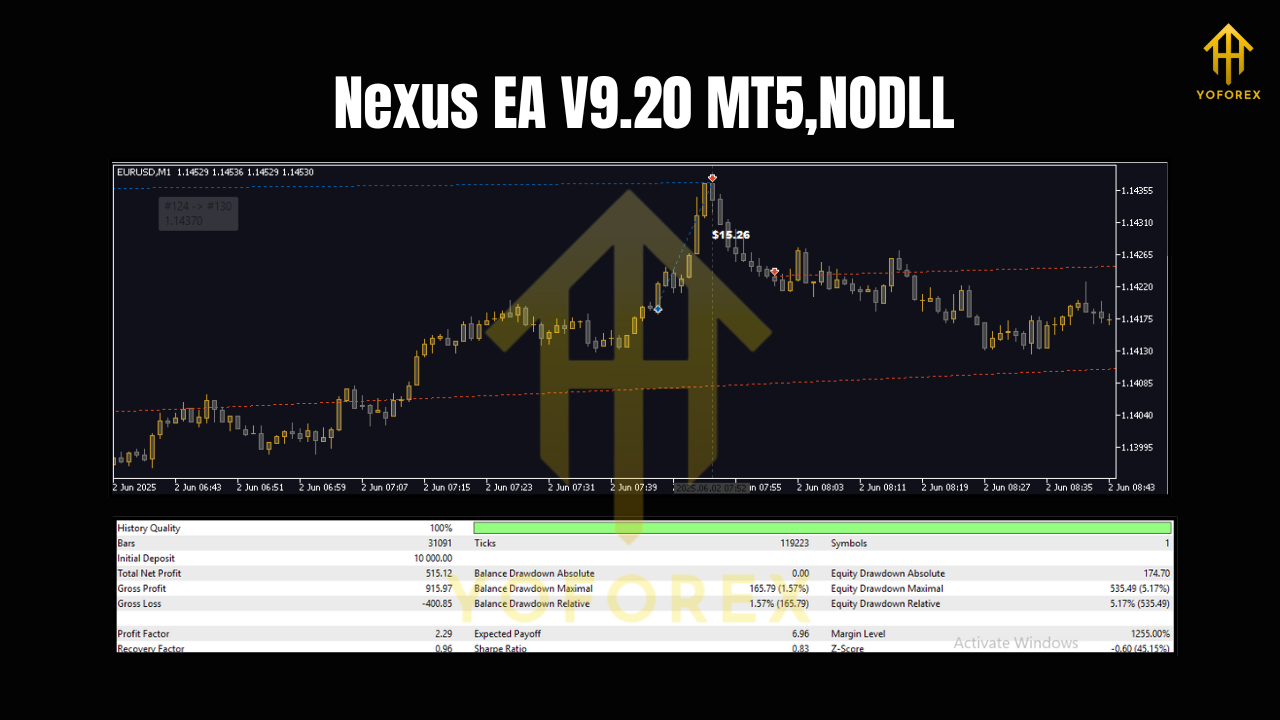
Key Features at a Glance
• Math-based logic: Uses direct price calculations instead of traditional indicators.
• Optimized for chop: Performs well in non-directional, range-bound markets where trend bots stall.
• Nine strategies: Mix and match models by symbol to spread risk and diversify entries.
• Multi-currency: Run the EA on several pairs to smooth out equity and avoid over-exposure to one asset.
• High configurability: Control risk per trade, filters, trading sessions, and strategy weights.
• Small account friendly: Minimum deposit from $20 (recommended $100 for better risk buffering).
• Risk controls: Adjustable stop-loss, take-profit, max spread filters, and daily loss limits.
• Set-and-monitor workflow: Once configured, it’s built to operate with minimal intervention.
• Backtest-friendly: The logic is transparent enough to backtest meaningfully across different market regimes.
• Scales with you: As capital grows, you can gradually increase risk in a controlled manner.
How It Works (Without the Buzzwords)
Instead of waiting for indicator lines to cross, Nexus EA V9.20 MT5 evaluates raw price moves: how far price has traveled relative to recent ranges, how quickly it’s moving, and whether current dispersion suggests elasticity (mean reversion) or continuation is more probable. It then selects from its strategy set—think of them as modules with different entry/exit attitudes—and places trades that align with that current state.
Because this logic isn’t tightly tied to a single timeframe or exotic parameters, it can adapt across pairs. That’s also why it’s effective in chop: math reacts to price, not the other way around.
Suggested Setup & Timeframes
You can run Nexus EA V9.20 MT5 across multiple major and cross pairs. Start with a handful you already understand—EURUSD, GBPUSD, USDJPY, maybe a stable cross like AUDNZD—then expand as you gain confidence.
Timeframes: The EA’s math logic is flexible; many traders prefer starting with mid-range charts (e.g., M15 to H1) to balance signal frequency and noise. If you want more trades, try M5/M15; if you want cleaner context, go H1/H4. Try a couple of timeframes in demo before committing.
Risk per trade: Keep it conservative at first (e.g., 0.5%—1% per position). Increase only after you’ve logged several weeks of live or demo results.
Strategy mix: Enable three to five of the nine strategies initially, observe which ones complement each pair, then refine. You don’t need all nine at once; overlap can create over-trading.
Practical Risk Management (Where Most Traders Slip)
Even a smart EA needs guardrails. Here’s a straightforward plan:
- Daily drawdown guard: Set a daily max loss (e.g., 3%–5%). When reached, the EA stops trading for the day. This avoids revenge trading and news shock.
- Hard stop-loss: Every trade should carry a clear SL based on volatility. If spreads are wide, skip.
- Max open trades per pair: Cap concurrent positions to prevent hidden correlation risk.
- Calendar awareness: While Nexus EA V9.20 MT5 handles chop well, high-impact news can still blow through ranges. Consider pausing right before major releases.
- Account sizing: Yes, it can run on $20, but that doesn’t mean you should push risk. $100+ gives breathing room so small streaks don’t force you out.
Who Is Nexus EA V9.20 MT5 For?
- Newer traders who want a structured, low-maintenance approach without getting lost in indicator settings.
- Busy traders who prefer a semi-automatic workflow—set it, monitor risk, and let the math do the reading.
- Diversifiers who already run a trend bot and want a range-friendly complement.
- Small-account traders who need something that can start lean and scale up.
Pros and Considerations
Pros
- Handles sideways markets better than many trend-following robots.
- Highly configurable with nine strategies and multi-pair support.
- Low starting capital; scales as you grow.
- Clear, testable logic you can validate with backtests.
Considerations
- Not a “turn it on and forget forever” tool; you still need to monitor risk and spreads.
- In strong trends, mean-reversion-leaning logic can underperform; consider pairing with a trend module or disabling certain strategies during breakouts.
- Over-enabling strategies can lead to overlapping signals—start simple and add gradually.
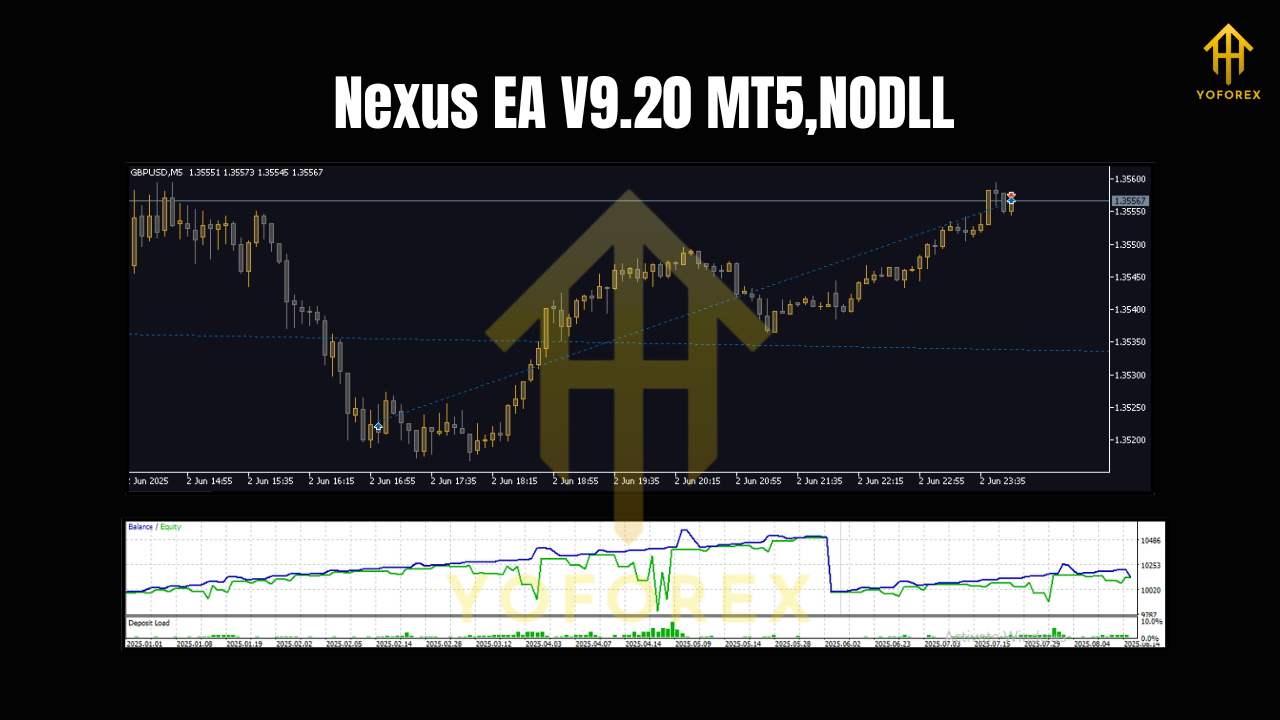
Getting Started (Step-by-Step)
- Install on MT5: Copy the EA file into
MQL5/Experts, then restart MT5. - Attach to charts: Choose your first 2–4 pairs and attach Nexus EA V9.20 MT5 to each.
- Load a baseline preset: Start with a conservative risk profile; enable 3–5 strategies tops.
- Broker hygiene: Use a low-spread, low-slippage broker; set max spread filters accordingly.
- Run in demo first: Two to three weeks of demo will teach you a lot about which strategies suit each pair.
- Go live gradually: Begin with your recommended $100 deposit (or more) and keep risk low.
- Optimize iteratively: Review weekly. Disable underperformers, nudge risk carefully, and expand pairs as results stabilize.
Backtesting & Forward Testing Tips
- Use multi-year data: Include quiet, volatile, trending, and choppy periods to see how the EA adapts.
- Walk-forward checks: Validate settings out-of-sample to avoid curve-fit traps.
- Symbol rotation: Some pairs behave better during certain sessions. Rotate or re-weight strategies accordingly.
- Correlations: Running similar strategies on correlated pairs can amplify risk. Mix in uncorrelated symbols where possible.
Final Thoughts
Nexus EA V9.20 MT5 isn’t trying to wow you with 20 indicators or flashy dashboards. It keeps the signal chain simple and lets math call the shots—which is exactly why it can hold up when markets stop trending and start chopping. Start with a small, controlled setup, collect data, and let the nine-strategy toolkit work with your pairs—not against them. With realistic risk and a little patience, you’ll quickly see where Nexus EA earns its keep.
If you’re after a low-stress, configurable MT5 robot that plays nicely with small accounts and scales as you learn, Nexus EA V9.20 MT5 is absolutely worth a test drive… coz at the end of the day, consistency beats hype.
Join our Telegram for the latest updates and support


Comments
No comments yet. Be the first to comment!
Leave a Comment