
The release of LTMS EA V11.3 MT4 (Legend Trade Management System) marks an important milestone in automated forex trading for MetaTrader 4. This upgraded version integrates a refined AI algorithm, enhanced trade execution features, and a new adaptive mode that allows traders to align the Expert Advisor with their preferred risk style.
While the forex market in 2025 continues to grow more competitive, tools like LTMS EA offer a way to combine efficiency, automation, and risk control in a single package. Let’s dive deeper into what makes this EA different and whether it’s the right fit for traders looking to balance automation with precision.
Understanding LTMS EA V11.3 MT4
The Legend Trade Management System is more than a simple entry-based Expert Advisor. Instead, it functions as a hybrid solution that combines:
- Automated market entries based on advanced calculations.
- Multi-layered trade management with dynamic stop-loss and take-profit placement.
- Adjustable AI training modes that can be tailored to conservative or aggressive trading approaches.
This all-in-one structure is designed for both beginners who need a guided system and experienced traders who want to remove emotional interference from their strategies.
New Features in Version 11.3
The January 2025 update rolled out significant improvements:
- Improved AI Core – Designed to filter false signals and deliver more consistent trade entries.
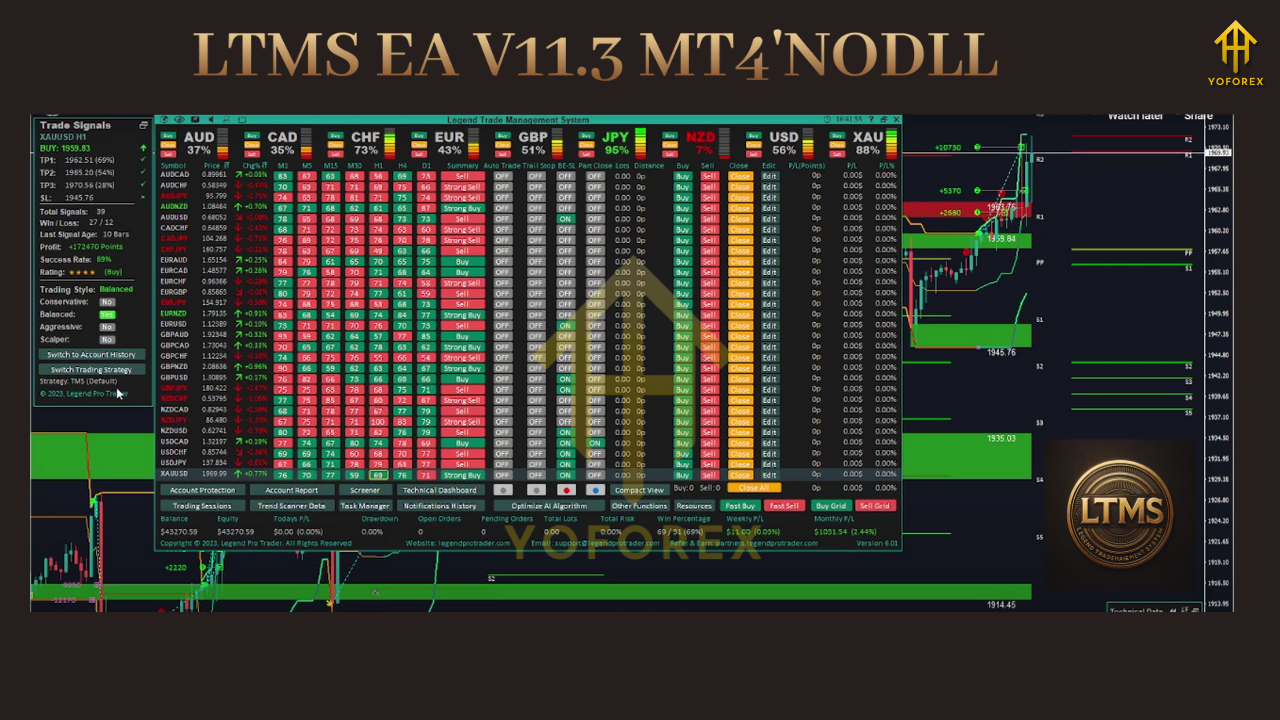
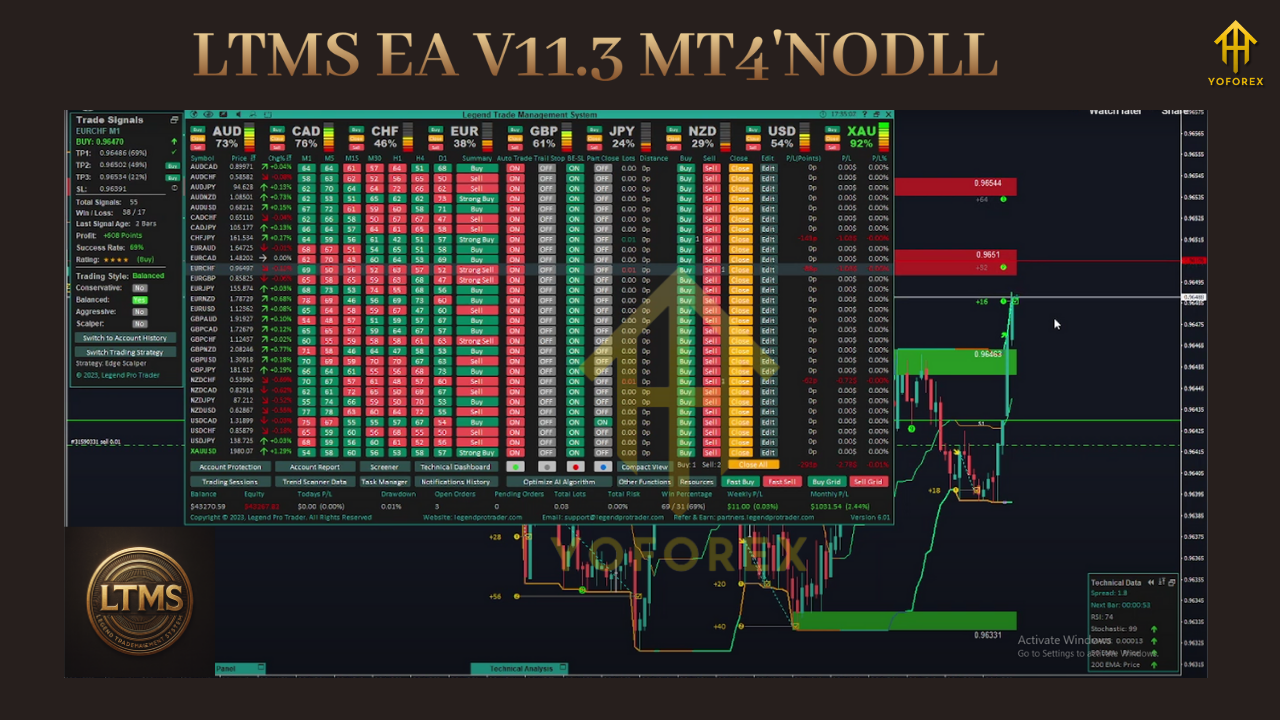
- Training Styles – Four distinct modes: Balance, Conservative, Aggressive, and Active. Each style represents a different trade frequency and risk appetite.
- Bug Fixes and Optimization – Addressed earlier stability issues, ensuring smoother operation on the MT4 platform.
These changes have made the EA more versatile and adaptable across different market conditions, making it attractive for both swing traders and short-term scalpers.
Core Functionalities
1. Automated Trade Execution
LTMS EA monitors live price movements, identifies opportunities, and places trades automatically. This reduces the reliance on manual chart-watching and speeds up reaction time during volatile sessions.
2. Advanced Risk Management
One of the strengths of this EA lies in its robust risk settings. Traders can configure:
- Percentage-based lot sizing.
- Equity- and balance-based adjustments.
- Drawdown limitations to prevent overexposure.
3. Multi-Target Profit Booking
The system supports up to three take-profit levels. By securing partial gains at each stage, traders minimize the risk of reversals while maximizing longer trends.
4. Preset Configurations
Built-in presets for major pairs simplify the setup process. Even beginners can run the EA without needing deep optimization knowledge.
Advantages of LTMS EA V11.3
- Comprehensive Design – Covers entries, exits, and management.
- Customizable – Fits various trading styles.
- Regularly Updated – Actively maintained with new features.
- Scalable – Works on small accounts as well as larger portfolios.
- Prop-Friendly – Includes risk controls suitable for evaluation programs.
Limitations to Consider
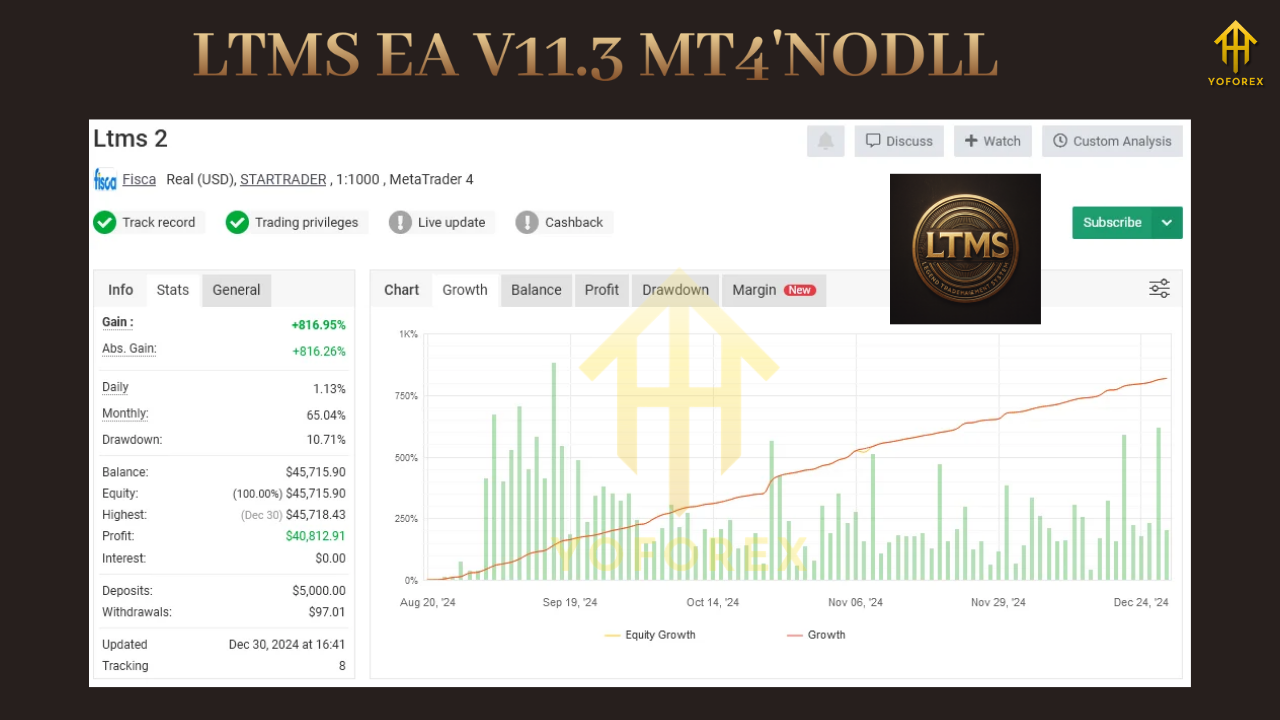
- Lack of publicly verified results, meaning traders must rely on their own testing.
- Broker conditions such as spread and slippage can affect outcomes.
- Requires consistent monitoring when running on aggressive or active modes.
- Best suited for VPS hosting to ensure 24/7 execution without interruptions.
Performance Considerations
While marketing pages may highlight attractive returns, actual performance depends heavily on the broker, account type, and configuration. Traders should approach LTMS EA with realistic expectations.
The best practice is to run it first on a demo account for several weeks, testing different risk modes. This not only shows how the EA behaves in trending markets but also reveals its response to consolidation phases.
Who Can Benefit Most
- New Traders – Looking for semi-automated guidance.
- Part-Time Traders – Unable to watch charts continuously.
- Prop Traders – Needing reliable drawdown control.
- System Testers – Wanting an adaptable EA to experiment with.
How to Deploy LTMS EA V11.3 MT4
- Install the EA into the MT4 Experts folder and restart the terminal.
- Choose your preferred trading style – Balance, Conservative, Aggressive, or Active.
- Set risk parameters – Start with 0.5% to 1% per trade for controlled exposure.
- Run forward tests on demo accounts before moving to live trading.
- Use VPS hosting to maintain stability and avoid missed trades.
Practical Tips for Best Use
- Stick to major pairs such as EURUSD, GBPUSD, and USDJPY.
- Avoid over-leverage when testing aggressive modes.
- Monitor economic calendars to reduce exposure during high-impact news.
- Review performance weekly to adjust settings where necessary.
Final Thoughts
The LTMS EA V11.3 MT4 represents a step forward in blending automation with flexibility. Its multi-mode AI, combined with reliable trade management, makes it stand out from generic EAs that only focus on entries.
However, traders should not rely solely on reseller claims. Independent testing is essential to understand how the EA fits within your personal strategy. When deployed responsibly, LTMS EA V11.3 MT4 can provide consistent assistance in navigating today’s challenging forex markets.


Comments
No comments yet. Be the first to comment!
Leave a Comment