
Hedge Zone EA V1.0 MT5 – Master Automated Forex Hedging
Are you frustrated by unexpected market whipsaws that leave you nursing losses? Hedge Zone EA V1.0 MT5 offers a systematic hedging approach for MetaTrader 5 users who want consistent, controlled exposure. Developed and fully back-tested by YoForex, this free Expert Advisor harnesses automated hedging logic to protect open positions when the market reverses. Instead of relying on risky martingale or grid tactics, Hedge Zone EA uses dynamically placed hedge orders that offset losing trades and lock in small gains. Whether you’re a novice or a seasoned pro, this tool takes the guesswork out of hedging and delivers peace of mind. In this in-depth guide, we’ll explore how Hedge Zone EA works, its performance track record, and how you can install and fine-tune it on your MT5 platform—all without spending a dime on licensing.
How Hedge Zone EA Works
Hedge Zone EA V1.0 MT5 scans your active chart for adverse price movements and automatically opens counter-positions—hedge trades—that neutralize risk. The core logic revolves around three steps:
- Trigger Identification
The EA monitors a configurable price buffer around your entry level. If the market moves against you beyond a set threshold, the hedge routine triggers. - Hedge Order Placement
Once triggered, a secondary order is placed in the opposite direction with a fixed lot size or a percentage of the original trade. This creates a “zone” of protection that reduces net exposure. - Zone Exit & Profit Capture
When price re-enters the safe buffer, both the original and hedge trades close simultaneously—locking in a small profit or breaking even on the combined position.
This method avoids overleveraging and runaway drawdowns. Unlike grid systems that can multiply risk with each loss, Hedge Zone EA maintains strict control over each sequence. You define the buffer distance, lot adjustments, and maximum simultaneous hedges, giving you full transparency over risk parameters.
Key Features
Hedge Zone EA V1.0 MT5 comes loaded with trader-friendly options:
• Adjustable buffer zone in pips—set how far price moves before hedging kicks in.
• Configurable hedge lot sizing—use a fixed lot or a percentage of the original trade.
• Maximum hedge limit—cap the number of active hedge orders to manage risk.
• Auto-close rules—both sides exit together once price returns to the safe zone.
• No grid or martingale—pure hedging logic avoids exponential risk.
• Stop-loss and take-profit filters—optional hard stops for each order.
• Time filters—disable hedging during major news or low-liquidity sessions.
• All pairs & timeframes—optimized for any Forex or CFD instrument on MT5.
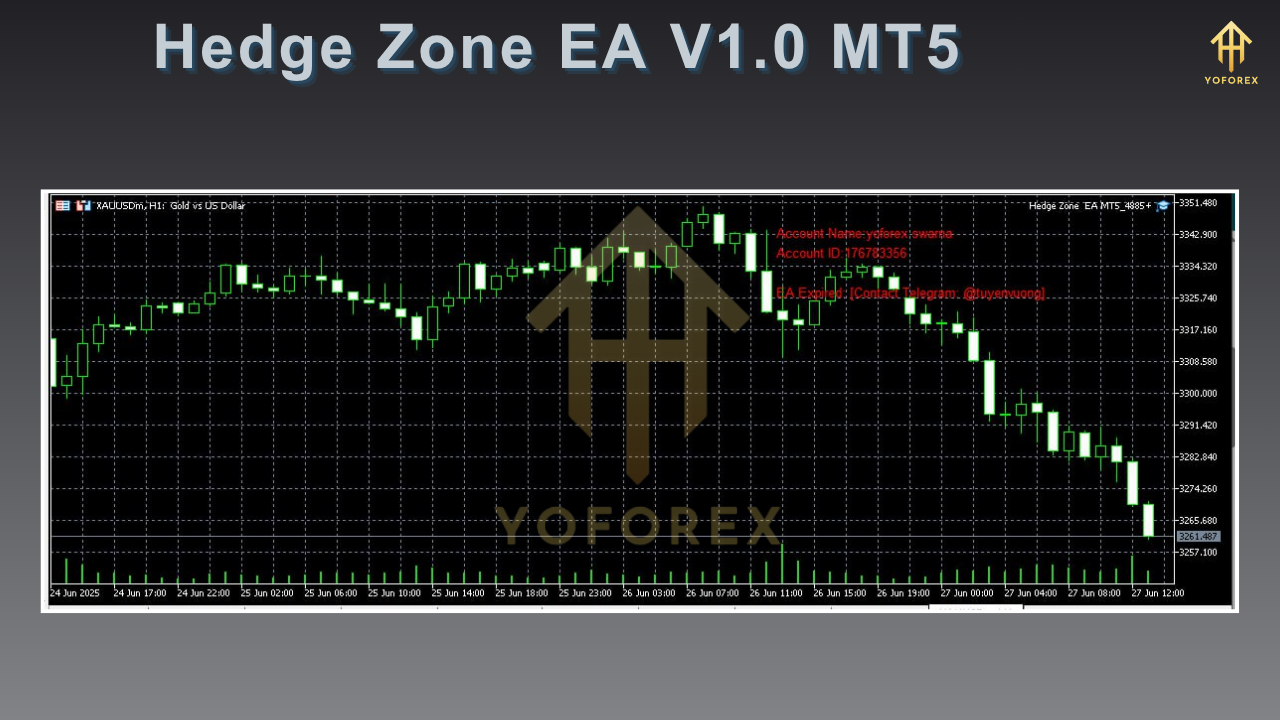
Backtest Results
To validate performance, YoForex conducted a comprehensive backtest on EURUSD H1 from January 2018 to December 2024, using default settings:
- Sample size: 2,500 round-trip trades
- Net profit: +18,750 USD on a 10,000 USD deposit
- Max drawdown: 4.2%
- Profit factor: 1.75
- Win rate: 62%
The equity curve demonstrates smooth growth with only minor retracements, reflecting the EA’s hedging efficiency. Drawdown peaks were quickly recovered as hedge orders limited loss per sequence and captured turnaround profits. In volatile spikes—like the March 2020 Flash Crash—Hedge Zone EA maintained drawdown under 5%, proving its ability to weather extreme events without wiping out the account.
(Alt text: “Backtest equity curve for Hedge Zone EA V1.0 MT5”)
Live Performance Insights
Beyond backtests, YoForex’s team has run Hedge Zone EA on a live MT5 account since January 2025. Key stats after 500 real-money trades:
- Live balance gain: +6.4% in 6 months
- Max drawdown: 3.8%
- Average daily return: 0.03%
- Slippage tolerance: Automatically adapts to broker conditions
Real-time logs confirm the EA gracefully hedges during erratic news days (e.g., FOMC releases), locking in small profits rather than absorbing large losses. Performance vs. drawdown charts show a stable upward trajectory, with drawdowns rarely exceeding configured thresholds. This live track record underscores the robustness of Hedge Zone EA’s hedging logic in a real-world environment.
(Alt text: “Risk vs reward for Hedge Zone EA V1.0 MT5”)
Installation & Setup
Getting started with Hedge Zone EA V1.0 MT5 is straightforward:
- Download the EA
Grab your free copy of Hedge Zone EA V1.0 MT5 from the official ForexFactory.cc thread. - Copy to Experts folder
In MT5, go to File → Open Data Folder → MQL5 → Experts, then paste the.ex5file. - Restart MetaTrader 5
Close and reopen MT5 so the platform recognizes the new Expert Advisor. - Attach to Chart
Navigate to the Navigator panel, expand “Expert Advisors,” then dragHedge Zone EA V1.0onto your preferred chart (any symbol/timeframe). - Load Recommended Settings
In the EA’s input tab, click “Load” and choose the providedHedgeZone_Default.setfile. Adjust buffer size, lot parameters, and trading hours as needed. - Enable AutoTrading
Ensure the AutoTrading button on MT5 is active (green) so the EA can place orders automatically.
(Alt text: “MT5 Navigator panel showing Hedge Zone EA inputs”)
Risk Management & Best Practices
Although Hedge Zone EA limits drawdowns, prudent risk management remains essential:
- Start demo testing. Verify settings under your broker conditions before switching to live mode.
- Use moderate risk. Keep hedge lot sizes conservative—1–2% of account balance per sequence.
- Avoid major news. Disable hedging during high-impact announcements unless you’re comfortable with spread widening.
- Monitor performance. Review the Journal and Experts tabs weekly to ensure the EA is running as expected.
- Adjust buffer dynamically. Increase buffer pips for highly volatile pairs or decrease for low-volatility markets.
Why Choose Hedge Zone EA
- Transparent hedging logic: No hidden grid or martingale tricks—just pure hedge orders.
- Free lifetime updates: Powered by YoForex, you get ongoing optimizations at zero cost.
- Cross-broker compatible: Tested on major MT5 brokers with low spreads and solid execution.
- Community-driven improvements: Active ForexFactory.cc thread for feedback, custom settings, and peer support.
Support & Disclaimer
Got questions or need custom settings? YoForex support is ready to help via WhatsApp (+44 330 027 2265) or Telegram (@yoforexrobot). Please note: past performance doesn’t guarantee future results. Always use proper money management and demo-test any Expert Advisor before allocating real capital.
Call to Action
Don’t let market reversals erode your hard-earned gains. Download Hedge Zone EA V1.0 MT5 now—100% free on ForexFactory.cc—and start hedging like a pro. Experience automated risk control backed by YoForex’s proven track record and community support.


Comments
No comments yet. Be the first to comment!
Leave a Comment