
The EA EMA BB High Distance V1.0 for MT4 is a cutting-edge trading robot that combines two powerful indicators—Exponential Moving Average (EMA) and Bollinger Bands (BB)—to identify high-probability trades in trending and volatile markets. Built specifically for MetaTrader 4, this expert advisor is designed to work seamlessly in both ranging and trending environments by measuring the distance between the EMA and the Bollinger Bands' outer bands.
This intelligent EA focuses on market volatility and momentum to make calculated entry and exit decisions. It doesn’t rely on repainting indicators or outdated lagging strategies. Instead, it processes live data to dynamically adapt to changing market conditions, making it a useful tool for traders looking to automate their strategy based on volatility and trend strength.
Let’s dive deeper into how the EA works, its features, recommended settings, and how it can improve your MetaTrader 4 trading experience.
Understanding the EA EMA BB High Distance V1.0
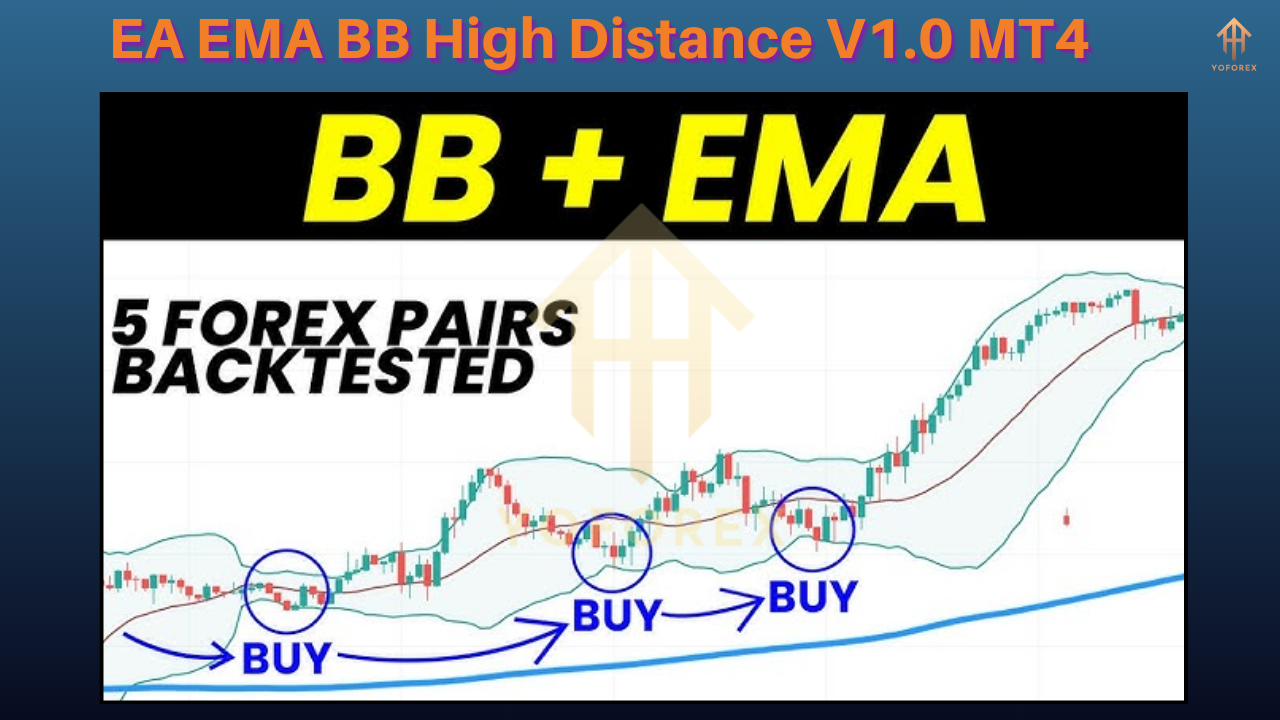
The concept behind this EA is fairly straightforward yet effective. It identifies market conditions where the price is significantly distanced from the EMA and simultaneously at or near the outer bands of the Bollinger Bands indicator. This condition typically reflects high market momentum, and the EA seeks to capitalize on either a breakout or mean reversion, depending on user-defined parameters.
The EA measures the distance between:
- The price and the EMA
- The EMA and the Bollinger Bands (Upper Band and Lower Band)
Once these thresholds are met, it opens trades accordingly and manages them using smart risk and profit control algorithms.
How Does It Work?
At the core of this EA lies a set of custom-coded algorithms that work in real time. Here's how the EA generally operates:
Indicator Calculation: It calculates the EMA of a selected period (e.g., 20) and the Bollinger Bands based on a set deviation and period.
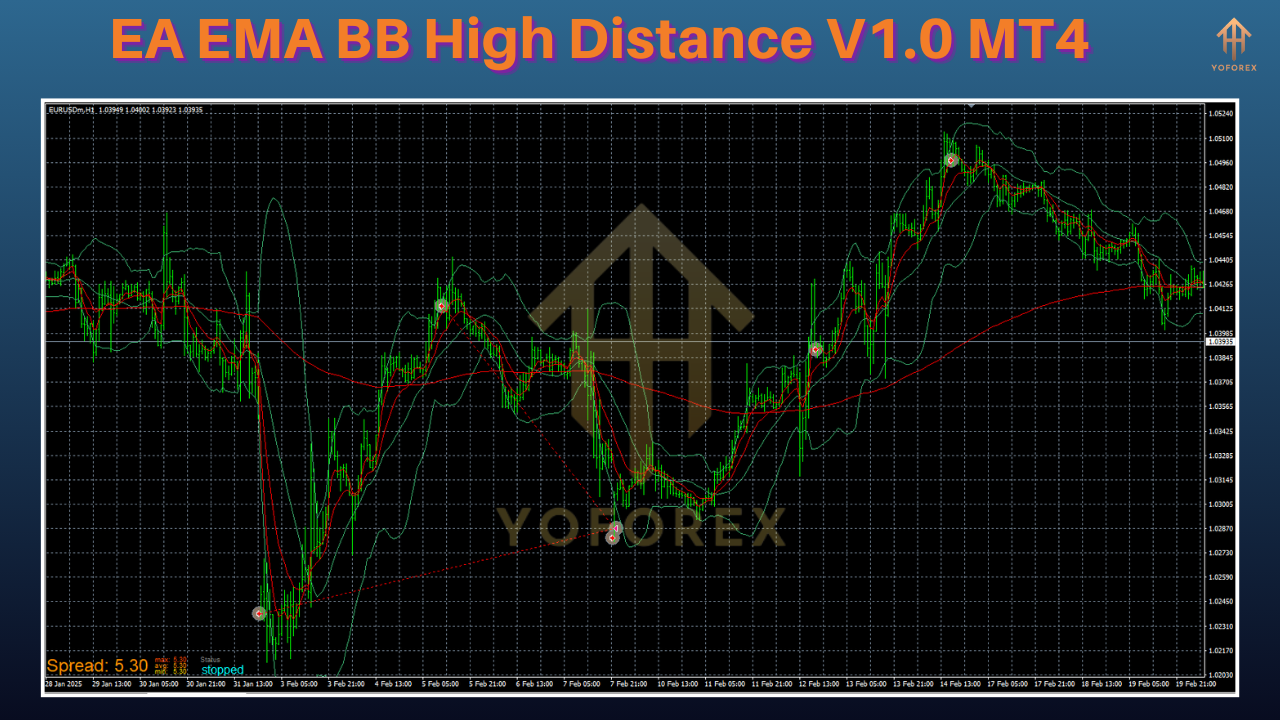
Distance Thresholds: When the current price moves far away from the EMA and nears either the upper or lower band of the Bollinger Bands, it identifies a potential trade signal.
Entry Logic:
Buy trades are initiated when the price is far below the EMA and near the lower band, suggesting oversold conditions.
Sell trades are triggered when the price is well above the EMA and close to the upper band, indicating overbought market conditions.
Exit and Risk Control: The EA uses trailing stops, fixed take profit and stop loss, or customizable exit rules. It can also include features like breakeven and partial close.
Key Features of EA EMA BB High Distance V1.0
- EMA and BB-based Strategy: Combines trend-following and volatility indicators for high-precision trades.
- Customizable Inputs: Traders can set parameters like EMA period, BB deviation, distance threshold, lot size, and more.
- Real-Time Signal Filtering: Processes live market data for accurate signal generation.
- Auto-Risk Management: Includes options for fixed lot size or percentage-based risk settings.
- Trade Management Tools: Features trailing stop, breakeven, and partial close settings.
- Minimal Lag: Optimized for speed and responsiveness in both demo and live environments.
- Low Resource Consumption: The EA is designed to run efficiently on most MT4 terminals without slowing down the platform.
- Easy to Use: Even beginners can use this EA with default settings, while advanced users can fine-tune it as needed.
Recommended Settings
To get the most out of the EA EMA BB High Distance V1.0, consider the following setup guidelines:
- Timeframe: Works best on M15, H1, and H4
- Pairs: EURUSD, GBPUSD, USDJPY, GBPJPY, AUDUSD (highly liquid pairs)
- Minimum Deposit: $100 or more depending on your lot size and risk setting
- Account Type: ECN or low-spread brokers are preferred
- Leverage: 1:500 is recommended for smaller accounts
Installation and Setup Guide
To install the EA EMA BB High Distance V1.0 on your MT4 terminal:
- Download the
.ex4or.mq4file of the EA. - Open your MT4 terminal.
- Click on File > Open Data Folder > MQL4 > Experts.
- Paste the EA file into the Experts folder.
- Restart your MT4 terminal.
- Drag the EA from the Navigator panel onto the desired chart.
- Enable AutoTrading from the toolbar.
- Customize the settings according to your trading strategy.
Best Market Conditions
The EA performs exceptionally well in the following scenarios:
- Trending markets with high momentum
- Times of increased volatility (e.g., during major news releases)
- Sessions like London and New York for higher trade opportunities
Avoid using the EA in highly consolidating markets where price remains too close to the EMA and fails to reach BB extremes.
Risk Management Tips
Though the EA is designed with risk controls, manual risk oversight is crucial:
- Start with demo trading to get comfortable with the EA behavior
- Use small lot sizes in the beginning
- Don’t run the EA across too many pairs unless your VPS/server can handle the load
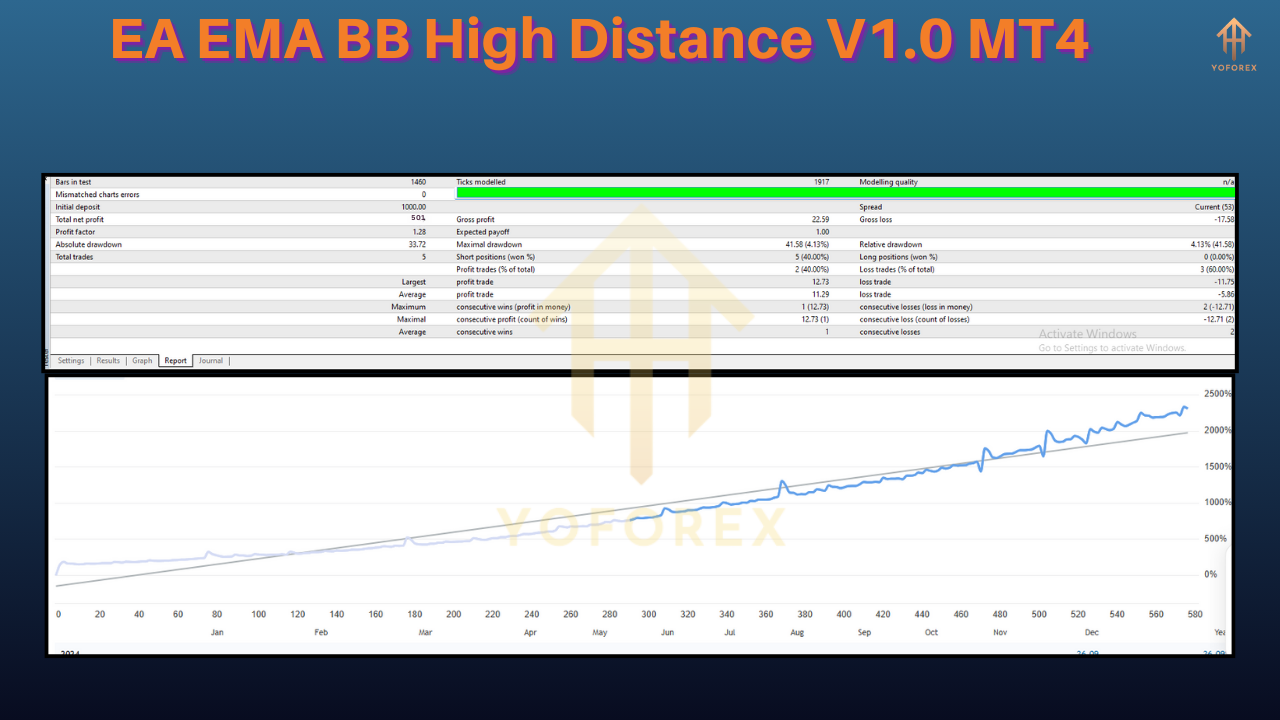
- Monitor equity drawdown and avoid over-optimization
Pros and Cons
Pros:
- Combines two powerful indicators (EMA and BB)
- Real-time signal generation
- Customizable and easy to use
- Smart risk control
- Suitable for both novice and experienced traders
Cons:
- Performance may reduce in flat markets
- Not designed for scalping on very low timeframes
- Requires optimization per currency pair
Conclusion
The EA EMA BB High Distance V1.0 MT4 is a reliable and versatile trading robot that intelligently combines two robust indicators to analyze price movement and market volatility. It's a powerful tool for traders looking to automate strategies based on breakout and reversion logic. With its user-friendly interface and high customization potential, this EA fits well in the toolkit of both beginner and professional traders.
If you're looking for a smart EA that capitalizes on price extremes and trend distance, this tool might just be the right fit for your MT4 strategy.
⚡️Upgrade:
The developer plans to launch V2.0 soon, which may include:
RSI or MACD filter integration
News filter to avoid trading during high-impact events
Multi-timeframe analysis support
Improved UI and faster execution speed
Stay updated and make sure to grab the upgraded version when released.


Comments
No comments yet. Be the first to comment!
Leave a Comment