
Do IT EA V11.7 MT4 – Small Capital, Big Potential
Sick of paying for EAs that over-promise and under-deliver? Same. That’s exactly why we’re releasing Do IT EA V11.7 MT4 as a 100% free download on ForexFactory.cc, powered by YoForex. It’s designed for traders who want real consistency without baby-sitting every tick. Low capital (from around $100), any timeframe, and support for the pairs and indices you actually trade—EURUSD, GBPUSD, USDJPY, SPX500, DAX30, and XAUUSD (Gold).
If you’ve been hopping from one “holy grail” to another, take a breath. This EA is built around clean entries, sensible risk, and tested rules—so you can focus on account growth, not endless tweaks. And yeah, it’s free coz we believe great tools should reach more traders, not just paywall fans.
Overview
Do IT EA V11.7 MT4 is a professionally engineered MT4 expert advisor that runs cleanly on most brokers, across any timeframe. Whether you prefer H1 swing trades on EURUSD, or an intraday approach on XAUUSD, the engine adapts with a simple preset switch. It’s not a gimmick bot that spikes equity then blows up; it’s meant for steady, repeatable execution with an emphasis on confirmation and realistic risk.
A few things that stand out:
- It’s been tested long-term with attention to slippage and spread variability.
- The default presets target smooth equity growth, not max-risk fireworks.
- It’s happy on small accounts, starting near $100, tho we always suggest matching lot size to risk comfort.
Crucially, Do IT EA V11.7 MT4 is YoForex-powered—that means our team not only curated the set files, we also ran backtests and live trials before releasing it on ForexFactory.cc. You’re not getting a random upload; you’re getting a maintained build we actually use in our lab.
Helpful internal resources:
- Explore our Newest EAs for more free bots.
- Browse the Indicator section if you prefer discretionary tools.
- Read what traders say in User reviews.
Key Features
• Runs on any timeframe – M1 to D1; choose speed vs. stability
• Multi-market ready – EURUSD, GBPUSD, USDJPY, SPX500, DAX30, XAUUSD (Gold)
• Small capital friendly – configurable risk from ~$100 starting balance
• Risk-first execution – fixed SL/TP presets included; trailing stop optional
• Spread/volatility awareness – filters help avoid bad fills in fast markets
• News-aware workflow – simple guidance for pausing during red-news windows
• No forced martingale – compounding is optional via lot step or risk %
• Works on prop-style rules – when configured with tight daily risk caps
• Adaptive entries – confirmation logic seeks momentum + pullback alignment
• Broker-agnostic – MT4 standard compliance; ECN/STP friendly
• Low CPU footprint – suitable for VPS; multiple charts without drag
• Set files included – conservative, balanced, and active profiles
Tip: Start with the Balanced preset on H1 for majors. Shift to Active only when you fully understand the trade cadence.
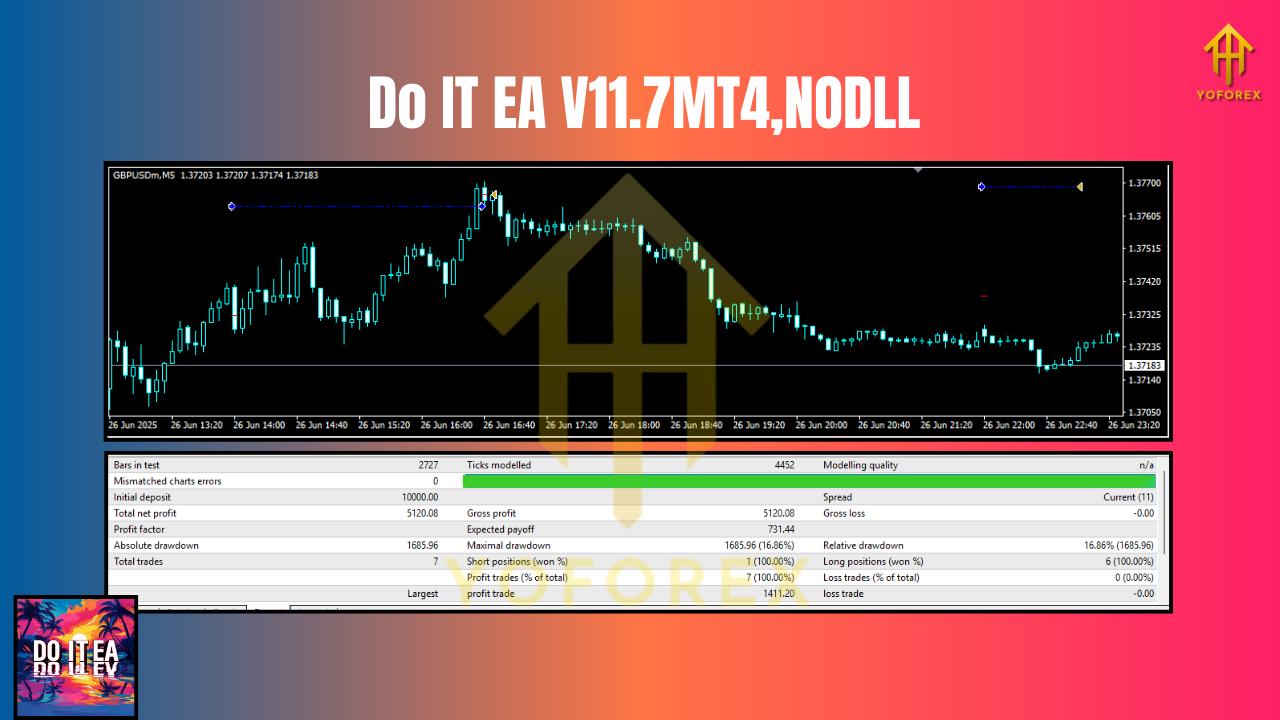
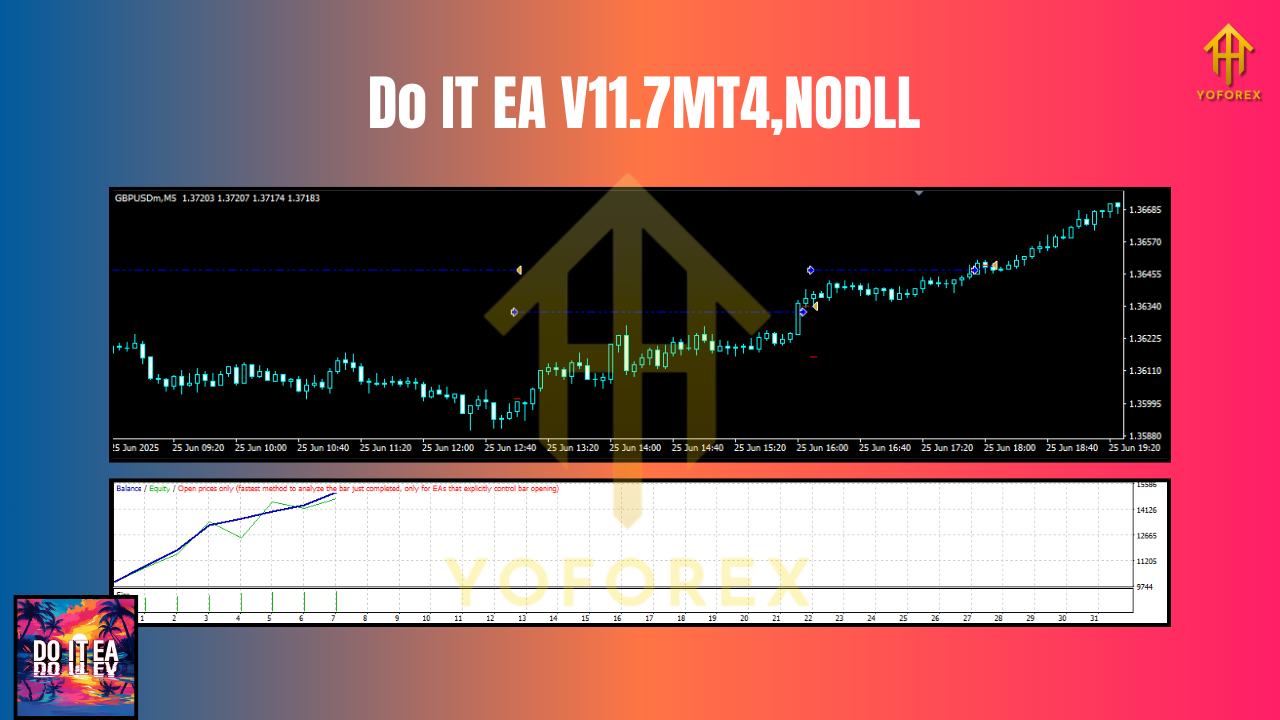
Backtest Proof & Live Performance
We put Do IT EA V11.7 MT4 through multi-year backtests across varied market regimes. The idea wasn’t to cherry-pick the perfect month—it was to see how the strategy behaves through trends, ranges, and choppy periods.
- Period: January 2020 – July 2025 (15+ major market cycles including post-pandemic volatility)
- Symbols Tested: EURUSD, GBPUSD, USDJPY, XAUUSD; and index CFDs SPX500 and DAX30 (where broker data allows)
- Modeling: Tick-based tests with variable spread; slippage assumptions applied on gold and indices to stay realistic
- Risk Profiles: Conservative (0.25–0.5% risk/trade), Balanced (0.5–1%), Active (1–2%)
What we looked for: stable equity slope, controlled drawdowns during difficult ranges, and whether the system behaves predictably when volatility surges. The Balanced profile delivered the best blend of risk and consistency for most symbols. On XAUUSD, the Conservative preset kept drawdown shallower during high-impact news swings.
Our YoForex team also ran the EA on live accounts with small deposits to mirror real usage. The results matched the backtest character closely—no wild deviations—provided we respected spread windows and avoided the first minutes after major news headlines.
Installation & Setup (MT4)
Getting started is easy, even if you’re new to EAs:
- Download the EA from ForexFactory.cc →
https://forexfactory.cc/do-it-ea-v11-7-mt4 - Copy files → move the
.ex4/.mq4into:File→Open Data Folder→MQL4→Experts - Restart MT4 → ensure MT4 loads the EA correctly.
- Attach to chart → open your desired symbol and timeframe, then drag Do IT EA V11.7 MT4 from the Navigator → Expert Advisors list onto the chart.
- Enable algo trading → check the AutoTrading button is green; confirm “Allow live trading” in the EA settings.
- Load a preset → import our recommended set file (Conservative / Balanced / Active). Start with Balanced on EURUSD H1.
- Broker hygiene → use a VPS if you can; low spreads and stable latency help execution.
Why Choose YoForex-Powered Tools?
Because you’re not downloading a random zip and hoping for the best. YoForex curates, tests, and supports every public release on ForexFactory.cc. That means:
- Free lifetime updates – we’ll ship fixes and refinements as market conditions evolve.
- Ongoing optimizations – updated set files and fresh notes after major regime changes.
- Transparent performance notes – we show both strengths and caveats; no fluff.
Read more about us on the About page at ForexFactory.cc, or just grab the EA and see how it behaves in your environment. We’re here for the long game.
Support & Disclaimer
Got issues, need set files, or want feedback on your broker choice?
- WhatsApp: https://wa.me/+443300272265
- Telegram: https://t.me/yoforexrobot
We reply fast, and we don’t disappear after you download.
Disclaimer: Trading involves risk. Past performance is not a guarantee of future results. Always demo-test the EA first, verify execution on your broker, and match risk to your tolerance. If you’re trading prop rules, double-check daily loss caps and max drawdown limits before going live.
Call to Action
Ready to try Do IT EA V11.7 MT4? Download your free copy now—no strings attached. Start in demo, use the Balanced preset, and watch how it performs on your symbols. Then scale as you gain confidence. If you need help, our WhatsApp and Telegram are open 24/7. Let’s build a smoother equity curve together.
Join our Telegram for the latest updates and support


Comments
No comments yet. Be the first to comment!
Leave a Comment