
Tired of repainting indicators that change their minds mid-trade? Or maybe you’re just fed up with entering right before the trend reverses? Yeah…we’ve all been there.
BSTrend V2.0 Indicator for MT4 might just be the antidote to that mess. Released by YoForex and available for free download on ForexFactory.cc, this tool simplifies the entry decision—no magic, just reliable trend confirmation that stays put.
In this blog, we’ll break down exactly how BSTrend works, how to use it, and why it’s quickly becoming a go-to for trend traders who like things clean and stress-free.
Overview – What is BSTrend V2.0?
BSTrend V2.0 is a non-repaint trend confirmation indicator for MetaTrader 4. It’s designed to help you ride market trends with better confidence by clearly marking bullish or bearish pressure zones.
It doesn’t give you cluttered signals or complicated overlays—just simple color-coded confirmations that you can pair with your favorite entry strategy. Think of it like a traffic light for trends: green to go long, red to short, and no confusion in between.
Originally created for intraday setups, but tested well on higher timeframes too, BSTrend V2.0 works best when combined with basic price action or support/resistance levels.
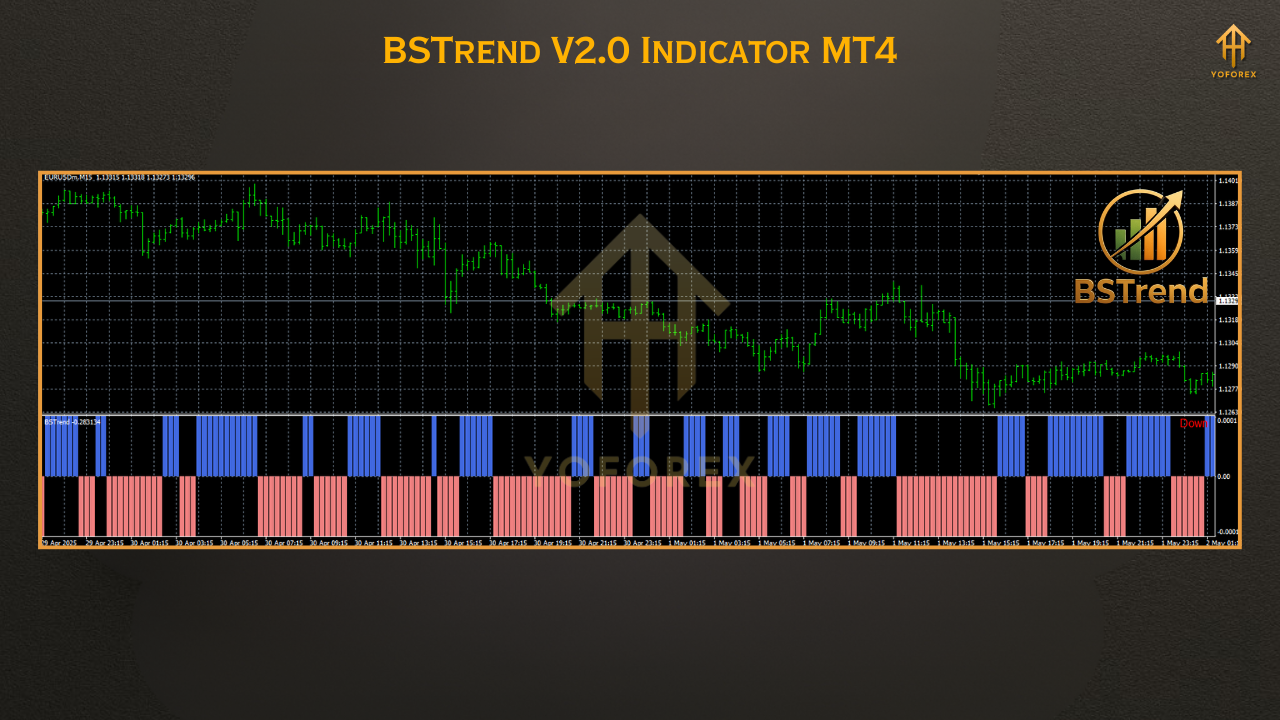
Key Features of BSTrend V2.0 Indicator
- • 100% non-repaint logic
- • Clear color-based trend visualization
- • Compatible with all timeframes (M1 to D1)
- • Works on all major FX pairs, gold, indices
- • Minimal system load – ultra-lightweight
- • Perfect for manual and semi-auto systems
- • No complex parameters – plug and trade
- • Works great with price action confirmation
- • Ideal for trend-following or breakout setups
- • No alerts by default, but can be added
- • Free updates via YoForex team
- • Fully open for unlimited use on MT4
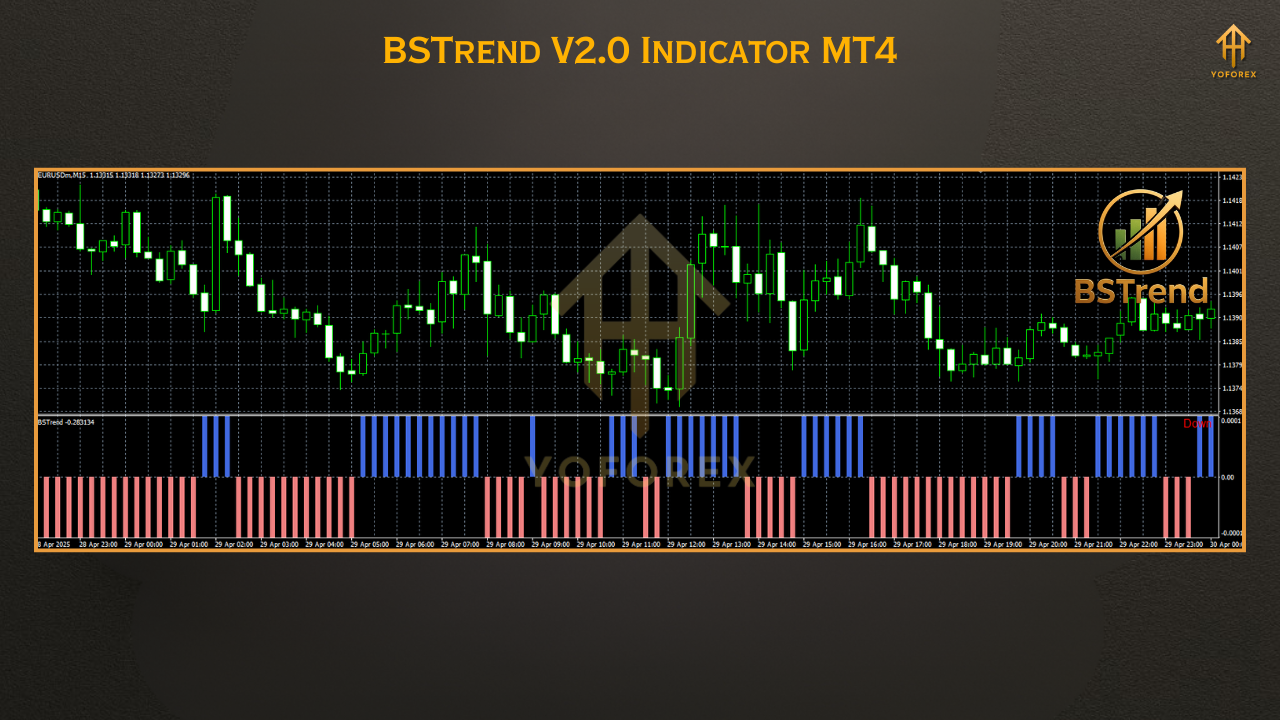
Installation & Setup Guide
- Download the indicator ZIP → Download BSTrend V2.0
- Extract the folder
- Copy
BSTrend_V2.0.ex4or.mq4to:.../MQL4/Indicators/ - Restart or refresh your MT4 platform
- Drag
BSTrend V2.0onto your preferred chart - Customize inputs if needed (default settings work great!)
Why YoForex Tools?
YoForex doesn’t just push out any old indicator—they test everything in live market conditions. Whether it’s an EA or manual tool, their mission is to help traders (especially beginners) skip the trial-and-error phase.
Why YoForex indicators rock:
- ???? Free lifetime updates
- ✅ 100% unlocked and license-free
- ???? Built for real-world chart action
- ???? Backed by a responsive Telegram support group
Support & Disclaimer
Have questions? Something not working? Hit us up anytime:
???? WhatsApp: https://wa.me/+443300272265
???? Telegram: https://t.me/yoforexrobot
Disclaimer:
Trading involves risk. BSTrend V2.0 is a confirmation tool, not a signal generator. Always use proper risk management and demo-test any setup before going live.


Comments
No comments yet. Be the first to comment!
Leave a Comment