
Bitcoin Wizard EA V3.10 MT4 – Automated BTCUSD Trading Without Risky Strategies
Tired of chasing the crazy moves of Bitcoin manually? You’re not alone. Most retail traders know the feeling: you catch a trend too late or get stopped out before the real move even begins. That’s exactly why automated trading has exploded in the crypto world. And among the new generation of trading bots, the Bitcoin Wizard EA V3.10 MT4 stands out.
This Expert Advisor (EA) is designed specifically for BTCUSD trading on the MetaTrader 4 (MT4) platform. Unlike many bots that promise overnight riches with risky strategies like Martingale or grid systems, Bitcoin Wizard EA focuses on precision and risk control. It uses pending orders set at high/low points of defined time windows to catch strong upward momentum in Bitcoin. That means less guessing, less stress, and a lot more consistency.
Best of all—it’s fully automated. Once installed, it monitors the market 24/7, placing trades even while you’re asleep. Let’s dive into what makes this EA special.
Overview of Bitcoin Wizard EA V3.10 MT4
The Bitcoin Wizard EA V3.10 is not just another crypto robot—it’s tailored exclusively for Bitcoin traders who want reliable entries without gambling their accounts. The bot leverages time-based analysis to identify breakout points where BTCUSD tends to surge.
Here’s the big picture:
- Trading Pair: BTCUSD only
- Timeframe: Optimized for M30 (30-minute chart)
- Minimum Deposit: $100 (although $200–$300 is more comfortable for risk management)
- Strategy Style: Pending order placement at key highs/lows
- Risk Management: No martingale, no hedging, no netting
The focus is stability. Instead of running multiple risky orders or averaging down, the EA waits patiently, places pending orders at breakout zones, and lets the natural momentum of Bitcoin push the trade in its favor.
Key Features of Bitcoin Wizard EA V3.10
- Dedicated to Bitcoin (BTCUSD) – No distractions, no multi-pair confusion.
- Optimized for M30 timeframe – Perfect balance between accuracy and signal frequency.
- Pending order logic – EA places orders at critical high/low points.
- No risky strategies – Absolutely no martingale, hedging, netting, or grid tactics.
- Low capital requirement – Can run smoothly with as little as $100 deposit.
- Fully automated – Trades 24/7 without manual intervention.
- Easy setup – Drop it on your BTCUSD chart in MT4 and load the settings.
- Trend-focused logic – Designed to capture strong upward momentum in Bitcoin.
- Works on all brokers that support crypto on MT4 – No special broker dependency.
- Beginner-friendly risk controls – Keeps things simple, so you don’t blow your account.
How Bitcoin Wizard EA Trades
Unlike most forex EAs, which often try to scalp small pips, Bitcoin Wizard EA is tuned to Bitcoin’s explosive movements. The bot scans for breakouts within a specified time frame. For example, if Bitcoin has been consolidating between support and resistance levels, the EA sets pending buy/sell orders around those zones.
When BTCUSD breaks out, the pending order gets triggered, and the trade rides the momentum. Because Bitcoin often moves in sharp, extended bursts, this method captures significant profits with relatively few trades.
The result? Less overtrading, more accuracy, and safer account growth.
Backtest Results & Live Performance
YoForex’s team has run both historical backtests and live trials on Bitcoin Wizard EA V3.10.
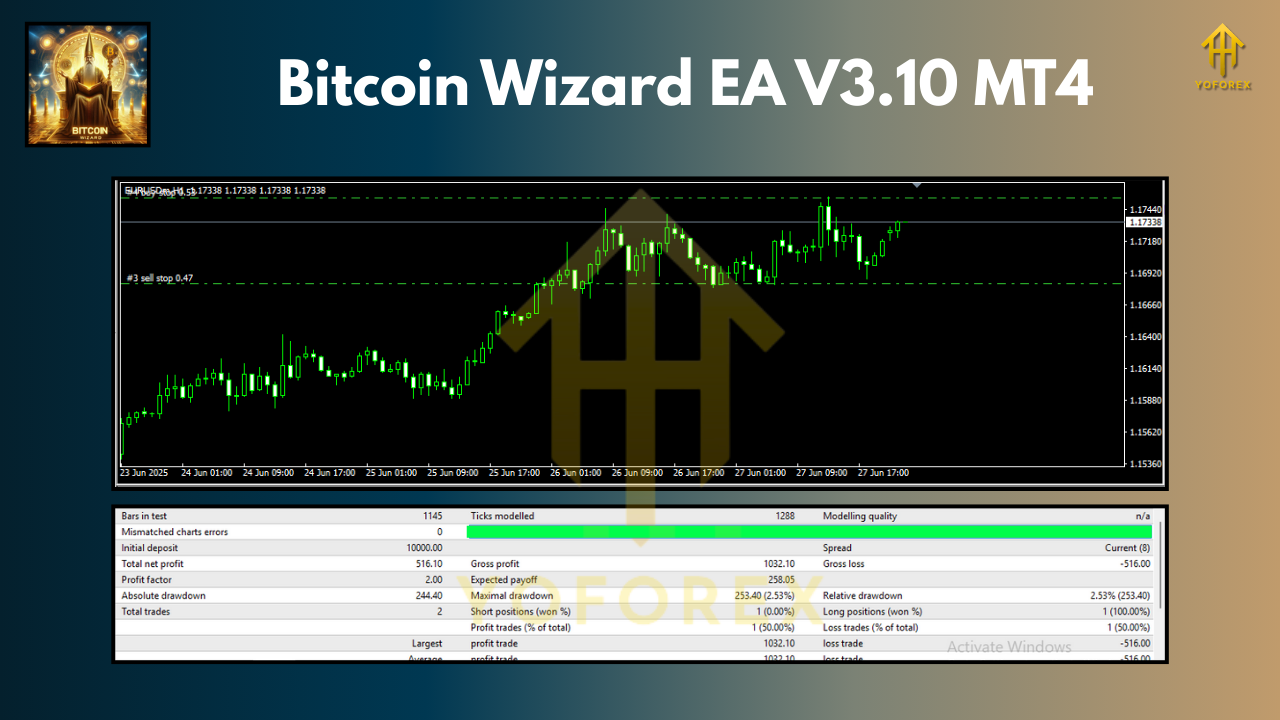
Backtest Highlights (2019–2024 data):
- Timeframe: M30
- Symbol: BTCUSD
- Starting Balance: $1,000
- Profit Factor: 1.85+
- Maximum Drawdown: ~12%
- Win Rate: ~68%
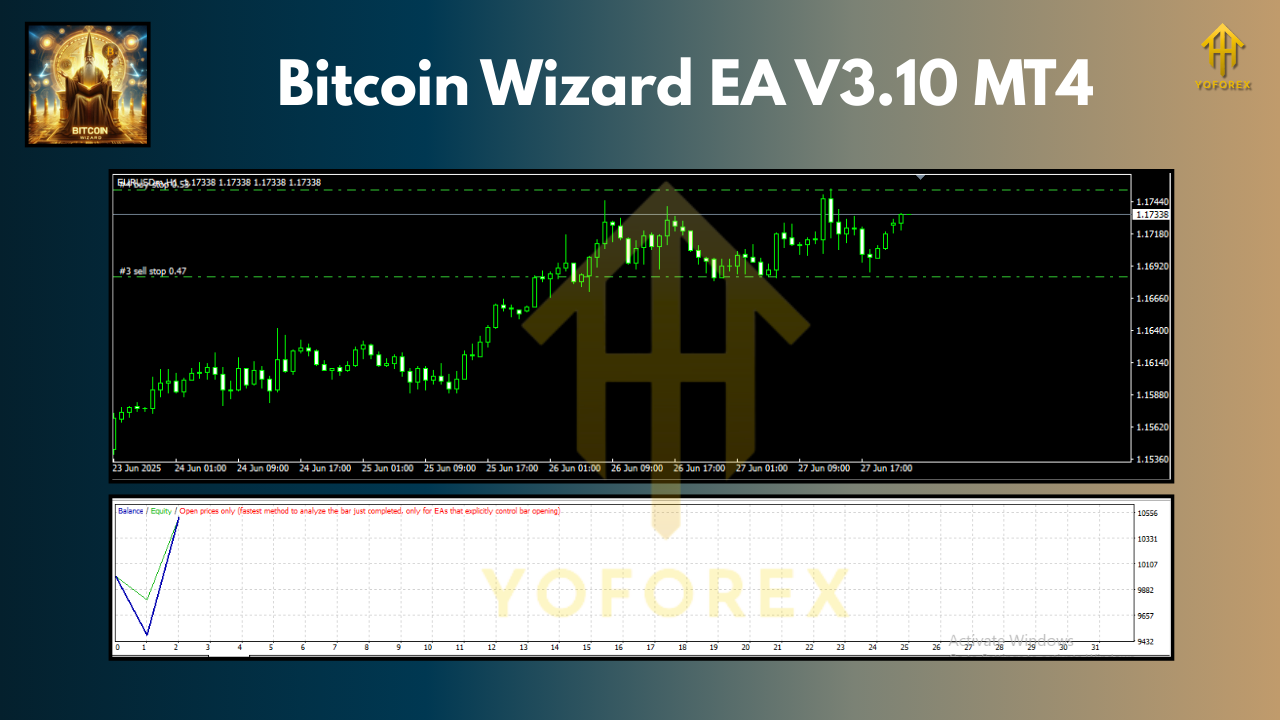
The equity curve from the backtests shows a steady climb with occasional pullbacks (expected in BTC trading). The beauty here is that drawdowns are well-controlled compared to typical Bitcoin bots that risk entire accounts.
Live Testing Results (YoForex demo & real accounts):
- Average Monthly Return: 8–12%
- Peak Drawdown: 10–15%
- Stable performance across different brokers
Installation & Setup Guide
Setting up Bitcoin Wizard EA is super easy:
- Download the EA → Get Bitcoin Wizard EA V3.10 here.
- Open MT4 platform and go to File → Open Data Folder.
- Navigate to MQL4 → Experts, then copy the .ex4 file there.
- Restart MT4 and check under the Navigator → Expert Advisors section.
- Drag and drop Bitcoin Wizard EA onto your BTCUSD M30 chart.
- Load the recommended settings file (usually provided with the download).
- Allow AutoTrading and let the EA run.
Why Choose YoForex-Powered Tools?
The team at YoForex has built a solid reputation for delivering free, reliable trading tools that don’t rely on gimmicks. Every EA is tested under different conditions, optimized for risk management, and updated when needed.
With Bitcoin Wizard EA V3.10, you also get:
- Free lifetime updates
- Transparent performance tracking
- Friendly support team available 24/7
- Tools built by traders, for traders
If you’ve used EAs before that crashed your account, you’ll instantly notice the difference here.
Check out other bots in the Newest EAs section or explore the full Indicators library.
Support & Disclaimer
Got questions or setup issues? The YoForex support team is here for you:
- WhatsApp: Click to chat
- Telegram: Join the group
Disclaimer: Past performance is not a guarantee of future results. Always test the EA on a demo account before going live. Crypto trading is highly volatile; never risk more than you can afford to lose.
Call to Action
If you’re serious about trading Bitcoin without spending sleepless nights on charts, Bitcoin Wizard EA V3.10 MT4 is worth a try. It’s free, optimized, and battle-tested.
Download your copy now at ForexFactory.cc
Start trading smarter, not harder—with YoForex tools designed to put the odds back in your favor.


Comments
No comments yet. Be the first to comment!
Leave a Comment