
Introduction
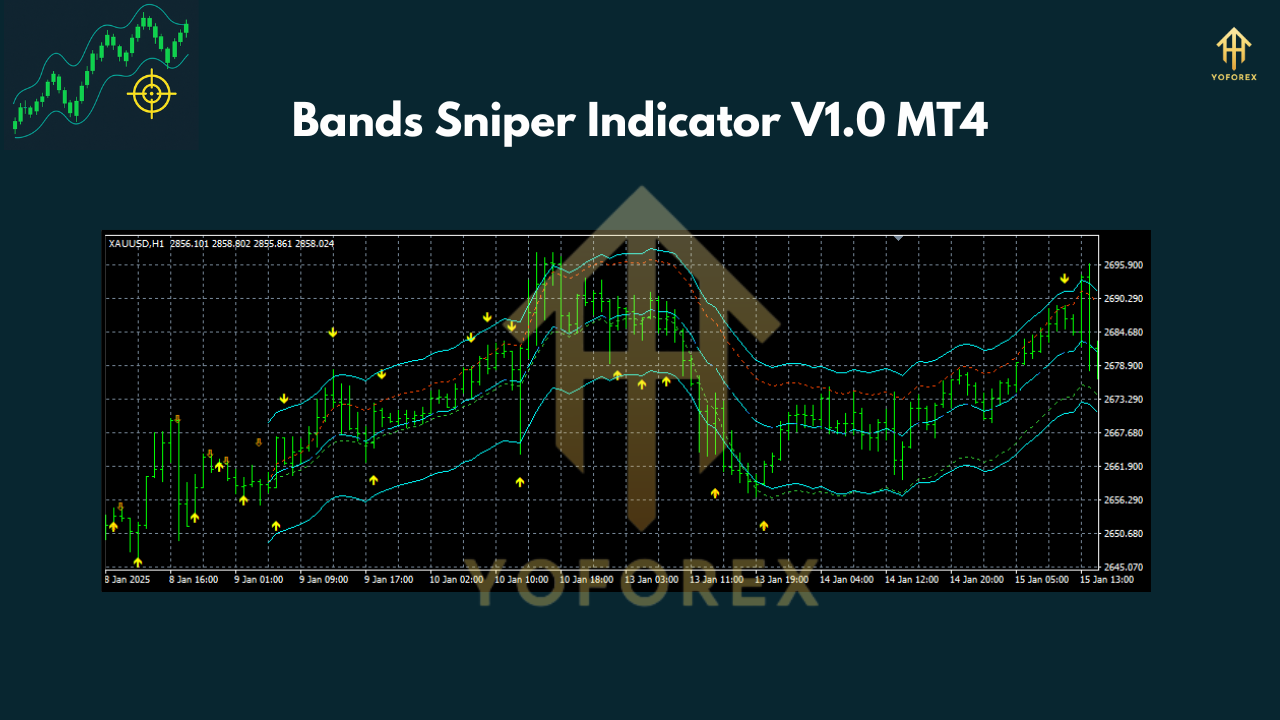
Ever felt like your indicators just repaint when you need them most? Bands Sniper Indicator V1.0 MT4 is a breath of fresh air, built on a combo of Envelope and TMA to show you dynamic support and resistance, plus crystal-clear buy/sell arrows—no guessing, no repainting. It’s tuned for the 1-hour timeframe by default, so you get a balanced mix of signal frequency and market noise reduction. Want the full guide? Contact after purchase for every nook and cranny of settings and tips. But right now, let’s break down how this baby works, why you’ll love it, and how to get it running in minutes.
 How Band's Sniper Works
Bands Sniper plots two adaptive bands around the price by applying an Envelope percentage to a Triangular Moving Average (TMA). When price pushes beyond those bands, it signals an overextended move. Then, once price snaps back inside—and both a golden arrow and an orange arrow appear—you’ve got your trigger.
- Envelope Component: A simple percentage offset around the TMA smooths out noise but keeps the bands responsive.
- TMA Core: The Triangular MA creates a smoother midline than a simple or exponential MA, reducing whipsaws.
- Arrow Logic: The golden arrow appears on the first confirmed re-entry; the orange arrow confirms momentum reversal on the next close.
Because all signals fire only after the candle closes, you don’t chase phantom arrows that vanish on repaint. That means real entries, not false alerts.
Entry Rules
BUY Setup
- Candle closes below both bands (oversold zone).
- A subsequent candle closes back within the bands, showing two up arrows (golden then orange).
SELL Setup
- Candle closes above both bands (overbought zone).
- Next candle closes back inside, with two down arrows (golden then orange).
Dual-arrow confirmation cuts through chop; you only enter when both the break-out and snap-back line up. Simple, yeah? But super effective.
 Take Profit & Stop Loss Strategy
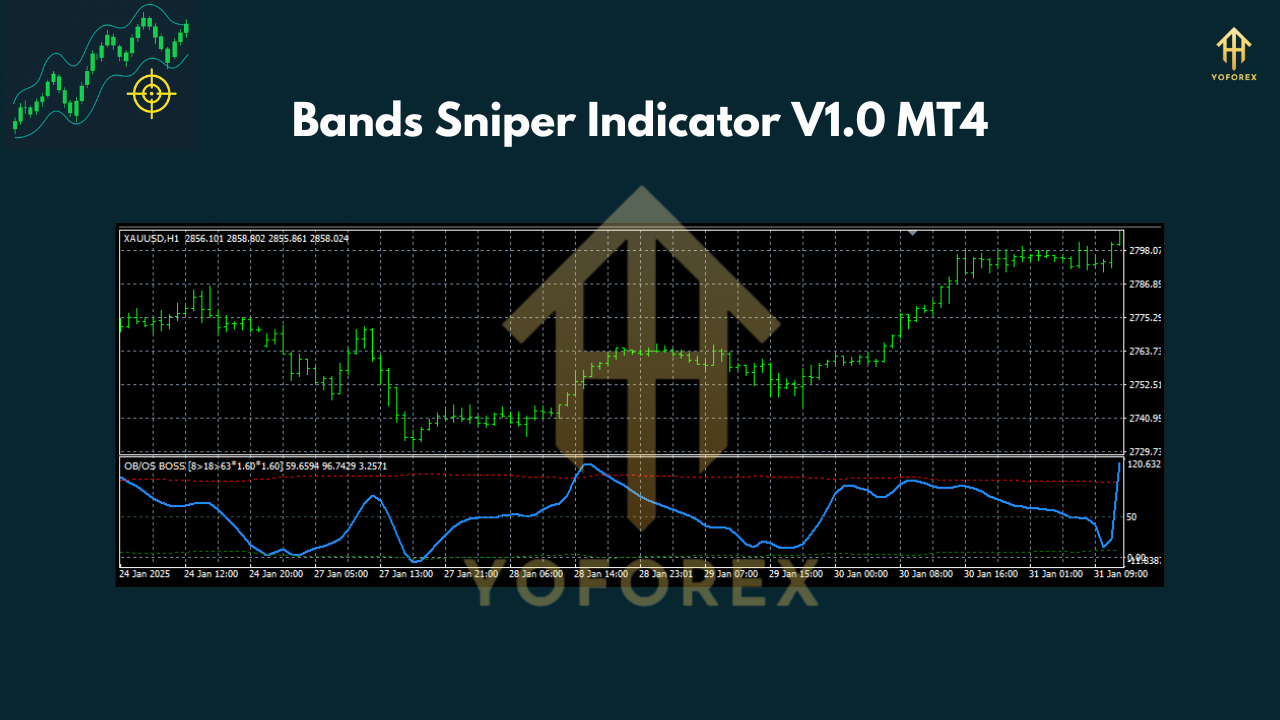
- TP1 (Partial Exit): Aim for the middle TMA line—often the first magnet after price re-entry.
- TP2 (Full Exit): Target the opposite band, letting the trade run for maximum potential.
- SL (Stop Loss): Place a few pips beyond the second confirmation arrow—below buy arrows or above sell arrows—to give price breathing room but still protect your capital.
This approach usually nets you a 1:1.5+ risk-reward ratio. You can scale out at TP1 if you like, then trail the rest to TP2.
Default Settings & Recommended Timeframe
- Timeframe: 1-Hour (H1) is optimal—fast enough for regular signals, slow enough to filter noise.
- Envelope Deviation & TMA Period: Pre-tuned by the developer; rigged for major forex pairs on H1.
- Arrows: Golden = initial re-entry; Orange = momentum confirmation.
Feel free to tweak the deviation or TMA length for 30m scalps or 4H swings. Just demo-test before going live—coz every pair has its quirks.
Why You’ll Love Bands Sniper
• Dynamic S/R adapts to trending and ranging markets… no more static lines.
- Dual-Arrow Filter slashes false signals and chop.
• Clean & Uncluttered: Only bands and arrows, nothing extra to confuse you. - Non-Repainting: Trade on confirmed closes; no phantom signals.
• Versatile across majors, minors, and exotics. - Plug-and-Play: Attach it, load defaults, and trade—no hours lost in optimization.
Whether you’re a reversal seeker or like taking oversold bounces, this indicator nails the zones and the triggers.
 Installation Guide
- Download
BandsSniper_v1.0.ex4(or.mq4). - Copy into your MT4 folder:
- Restart MT4 or hit “Refresh” in the Navigator.
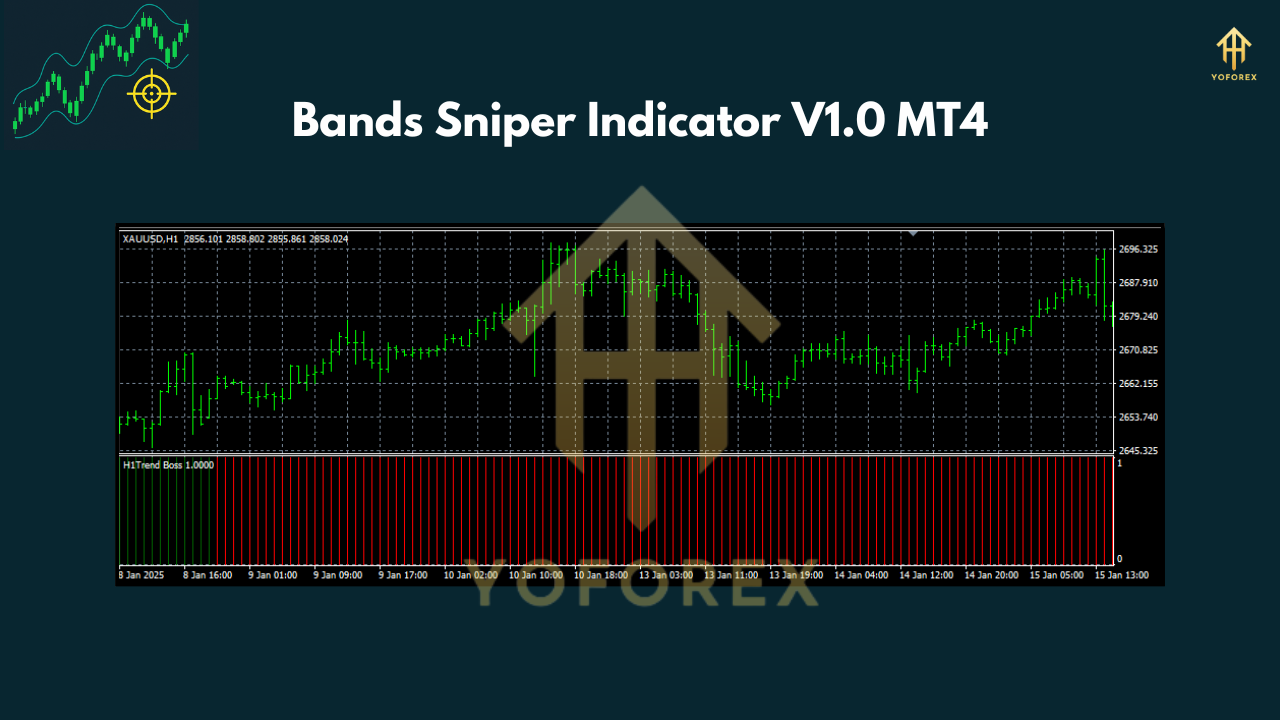
- Drag & Drop Bands Sniper onto a 1H chart.
- Load default inputs or tweak as needed.
The alt text for the screenshot is “MT4 Navigator panel showing Bands Sniper Indicator under Custom Indicators.”
Conclusion
Bands Sniper Indicator V1.0 MT4 gives you a clear edge with dynamic support/resistance bands and dual-confirmation arrows. It’s simple, non-repainting, and ready to plug into your 1-hour charts—demo-test for your favorite pairs, then trade confidently. Remember, full guide and deep-dive settings come when you contact us after purchase. Happy trading, and may those arrows always be in your favor!
Join our Telegram for the latest updates and support
Happy Trading


Comments
No comments yet. Be the first to comment!
Leave a Comment